

Our take on factions, built from scratch. Claim land, guard your core and raid in your window.
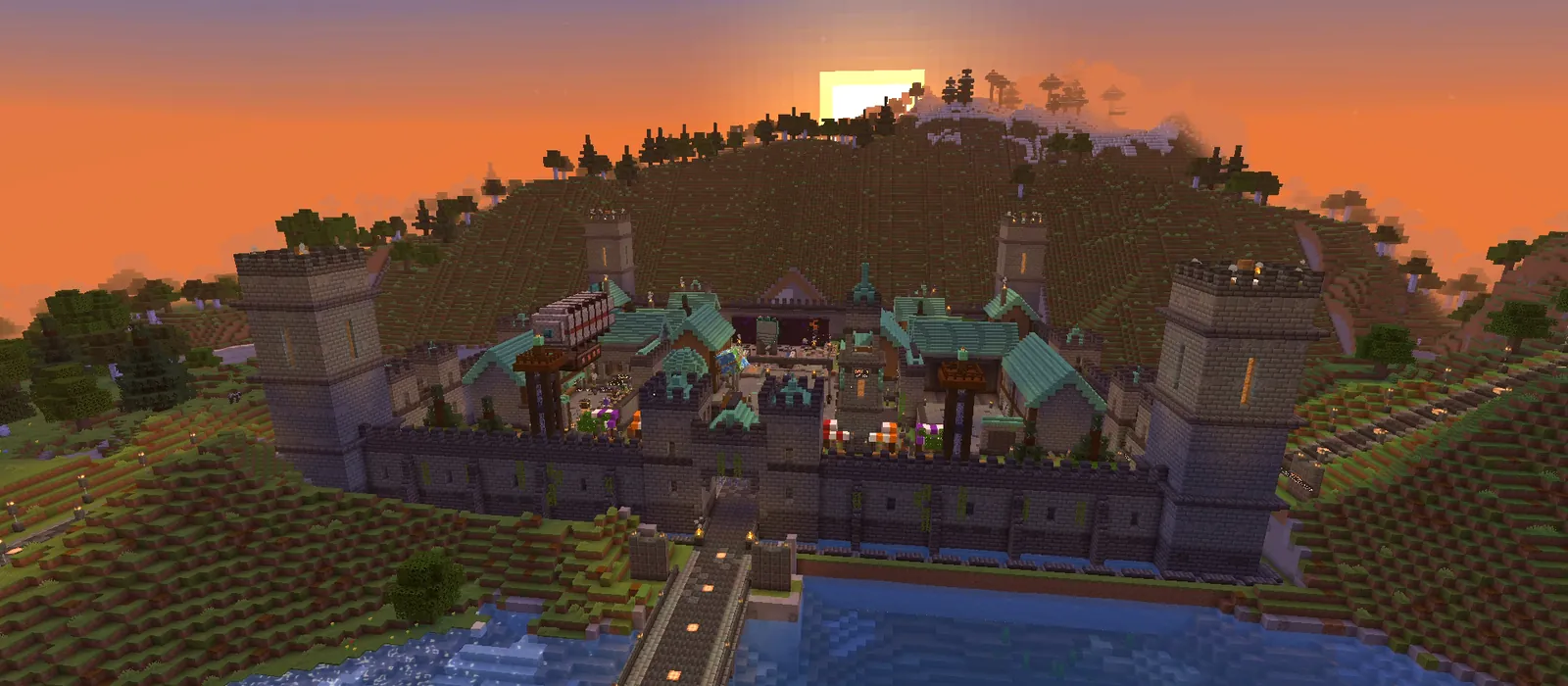
Everyone started at once
Every faction began at the same second, 6pm UTC on 18 November. TNT switches on at 00:00 UK time on 25 November and the season ends on 16 December. Season 1 news
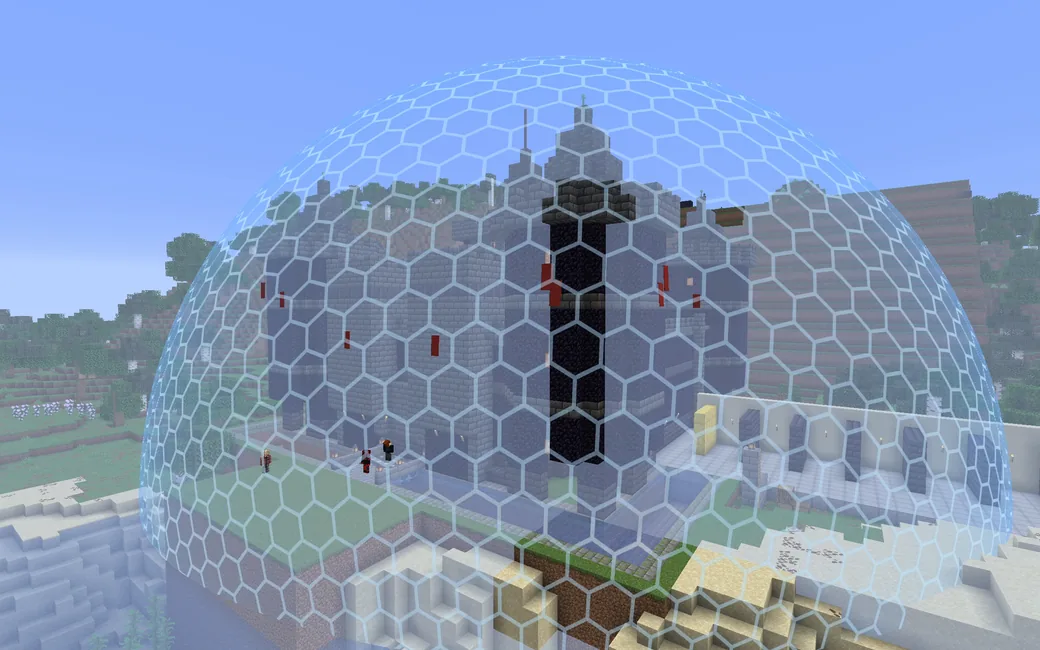
A shield you can see
When your whole faction is offline, your shield holds off raids for up to 4 hours a week. On Java 1.21.11 you see it as a glowing dome. It drops 2 minutes after one of you logs back in.
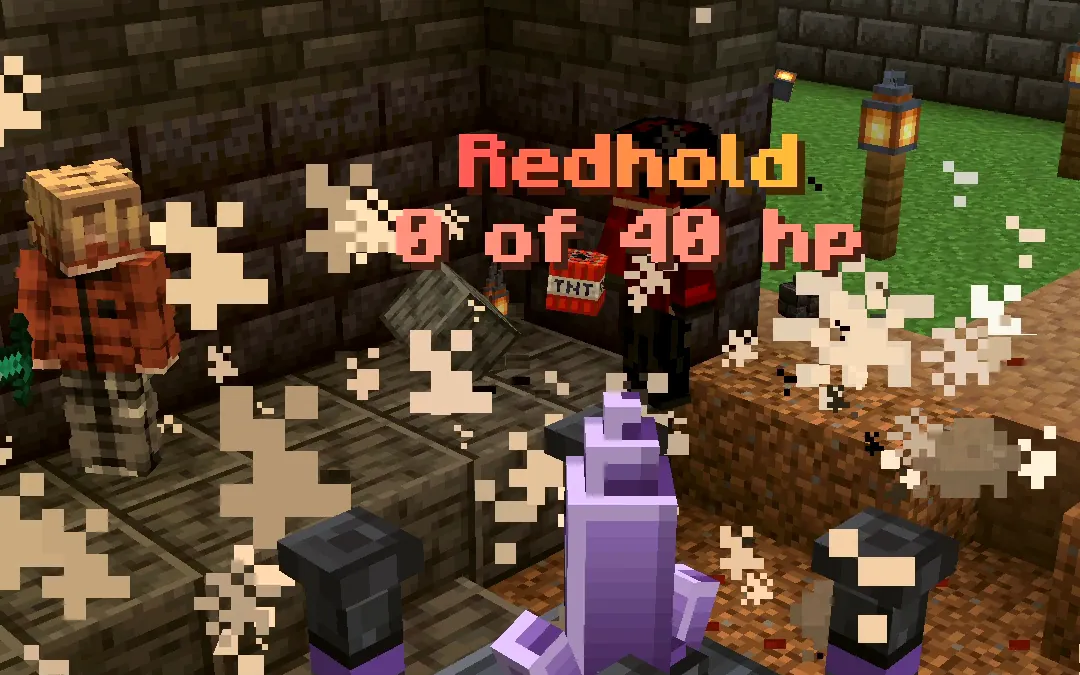
Break the core
Every base is built round a core with 40 hp. Blow it up in a raid and their vault opens to you for 10 minutes.
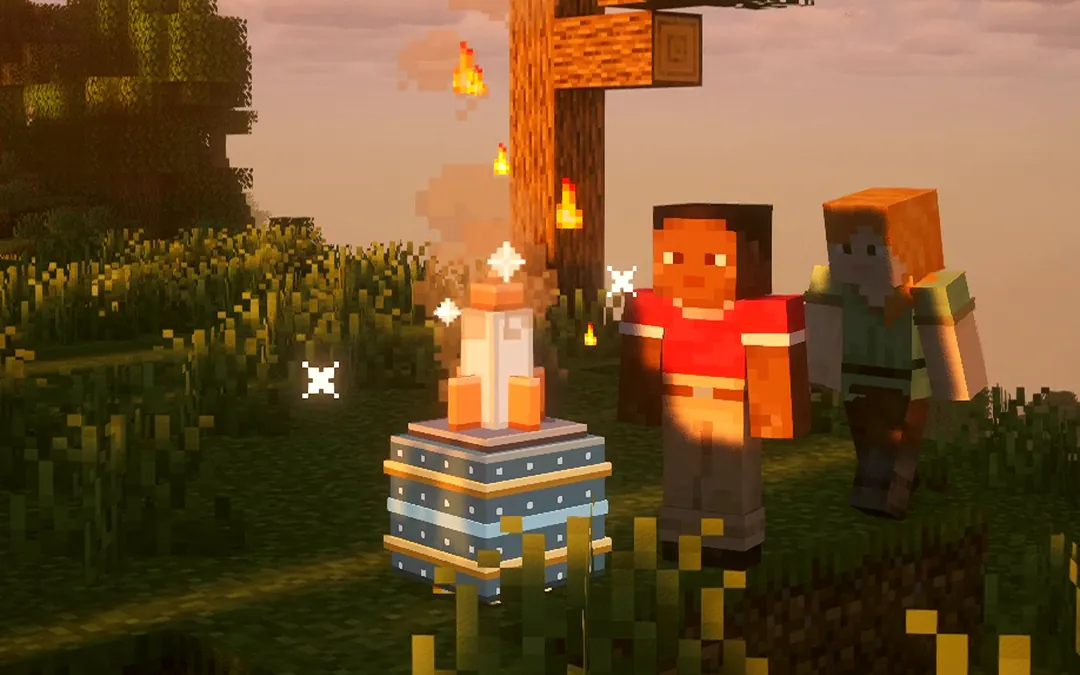
Supply rockets
Twelve loot capsules fall from the sky. Empty one and it lifts off again, so get there first.
Raids in your window
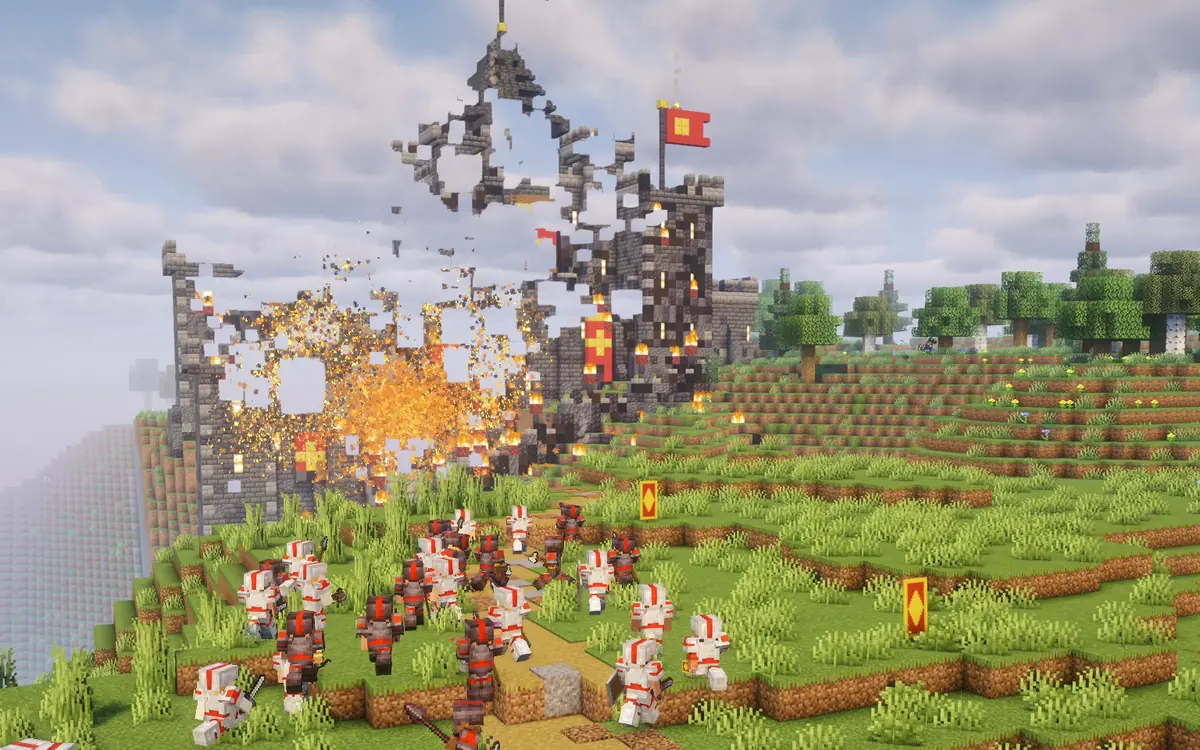
Your leader picks a two hour window that starts on any hour from 3pm to 10pm UK time. A raid can only start in it, and one that started can run up to an hour past it. When TNT lands, the blocks fly, bounce and crumble.
Run your faction
Every menu is drawn for this server, with no mods. On Bedrock the same menus are forms.
Open the compass
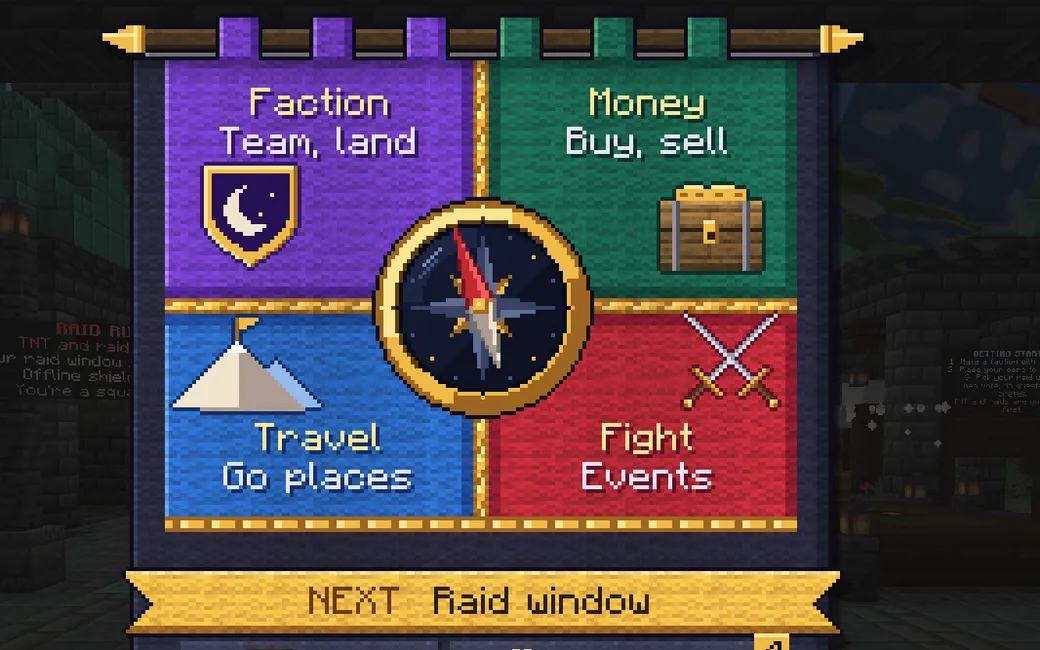
Press F on Java, or sneak and drop the compass on Bedrock. It opens every screen: your faction, money, travel and fights. A bar along the bottom shows what comes next, eg your raid window.
Claim land on the map
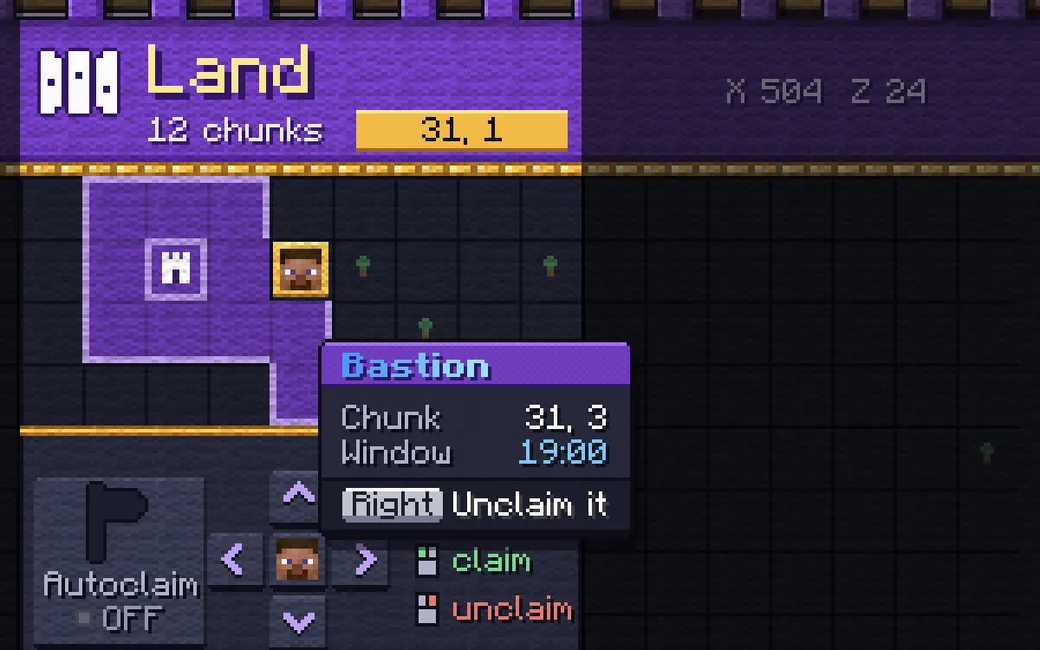
Open the map with /f map and click a chunk to claim it. Point at any chunk to see who owns it and when their window opens.
A control screen in your base
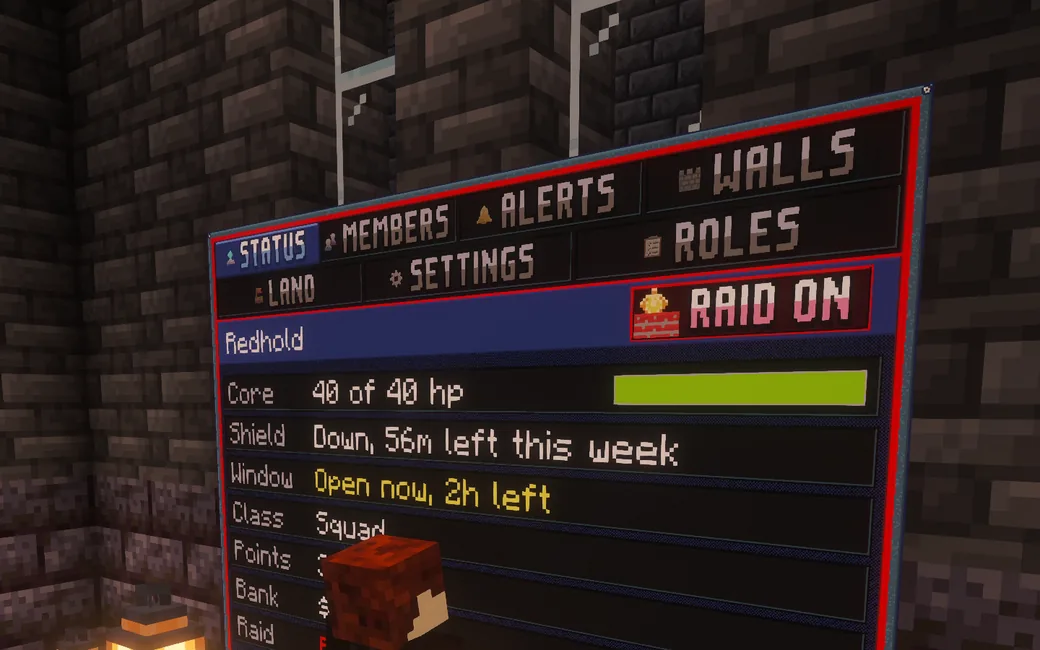
A wall of live screens shows your core, shield and raid window. It flashes red with a bell when you are raided.
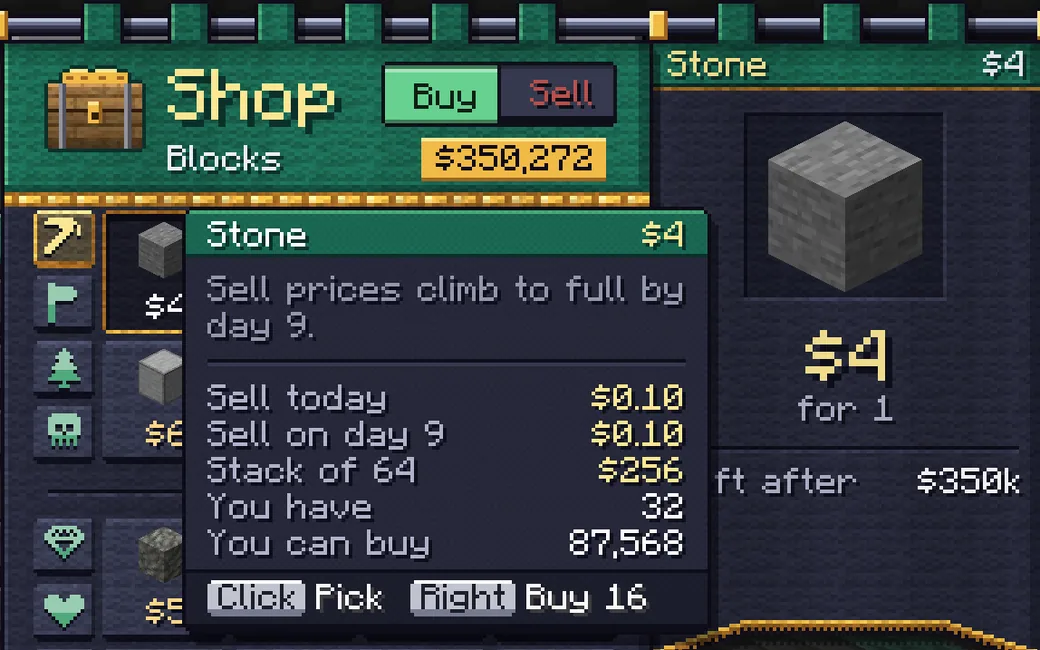
Buy and sell in one shop
Blocks, farming, mob drops, minerals and food on one screen. Sell prices climb to full by day 9 of the season.
See what others can't
Land and walls show you more than vanilla does.
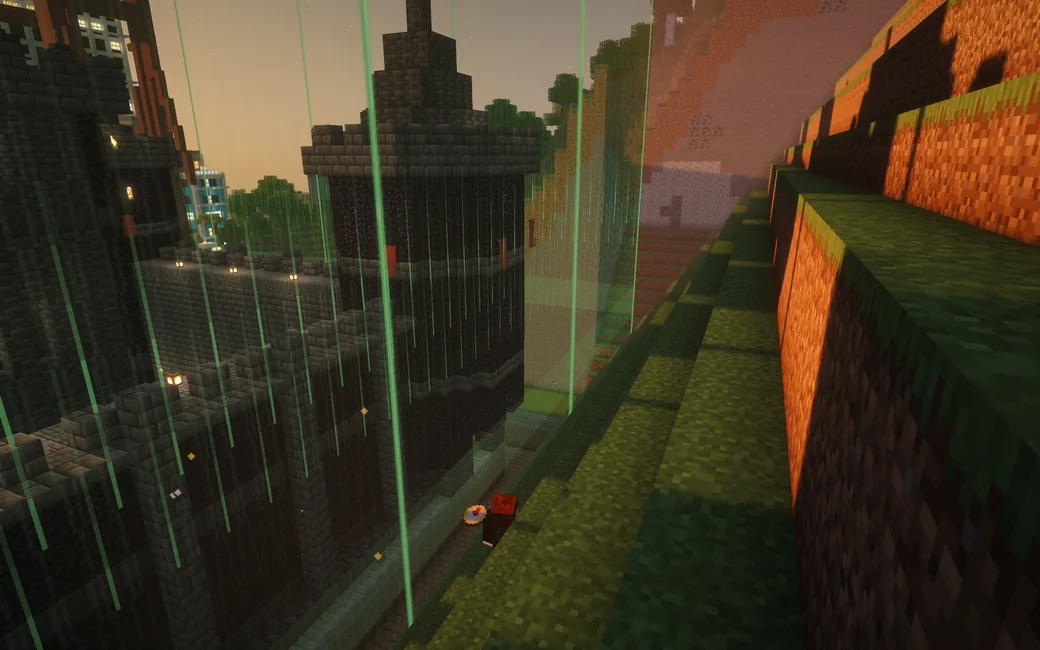
Borders you can see
Hold the compass and lit curtains rise along every land border, coloured by who owns it.
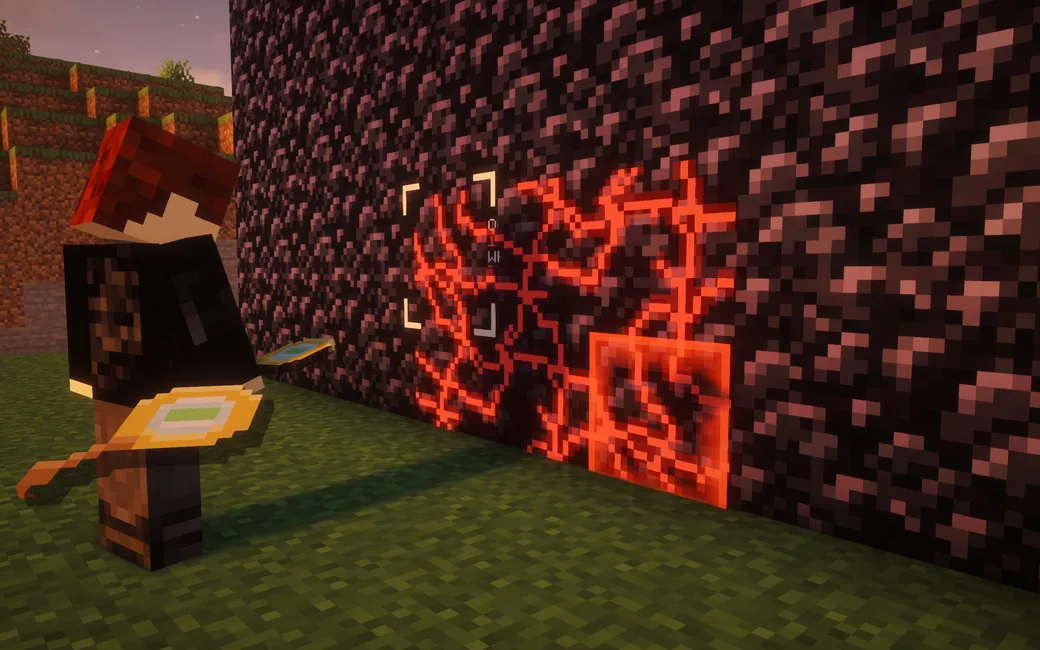
The wall lens
Point it at a wall to see which blocks are worn, and the cheapest way through.
Also on Factions
Four faction sizes
Solo, duo, squad and clan. You can raid your size or one up, never smaller.
Practise first
Type /range for your own plot with a launch pad, a kit for the rest of a cannon and a target base that rebuilds itself.
Obsidian takes 4 hits
And a block placed in the last 5 minutes breaks in one. Too much TNT in one shot and it all fizzles.
KOTH and outposts
Hold the hill, or take outposts for points. A faction can hold two of the three.
Trade on the auction house
List anything for other players to buy. Search it, sort it and collect your sales from the mailbox.
Bosses and meteors
Giant mobs with 10,000 hp, and a meteor every 6 hours that leaves a crater of ore.
Faction top pays Gems
During the season and at the end. Plus crates, quests, bounties and a daily reward.
Your first hour
How to start
- Join games.place and walk up to the Factions screen in the hub.
- Make a faction or join one with
/f. - Open the compass with F on Java, or sneak and drop it on Bedrock. It has every screen, the season and help.
- Claim land, place your core and get your walls up.
games.placeBefore you raid
Read the rules
Factions has its own rules for bases, raids and cannons, eg one wall per shot and no banned cannons. Breaking them costs your faction.